
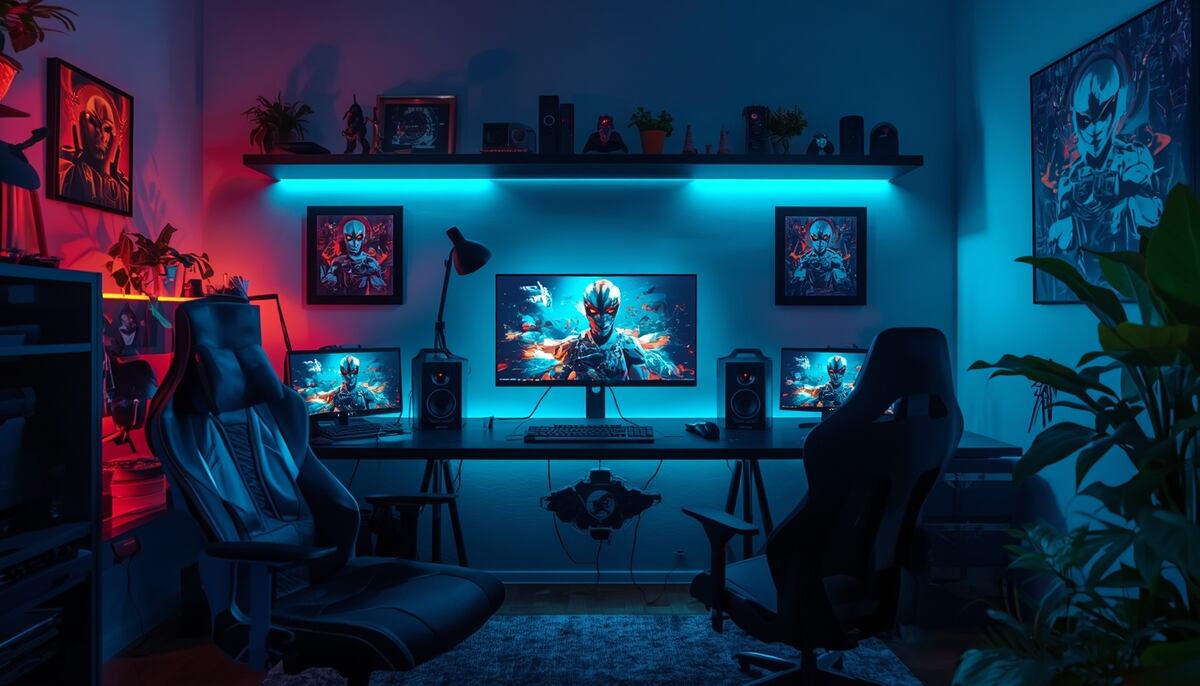
Most gaming rooms look messy for three fixable reasons: cables everywhere, light in the wrong places, and gear stored wherever it landed. The setups that look professional in photos are not more expensive; they are measured, lit and tidied on purpose.
This guide works through gaming decor in the order that actually changes a room: the desk layout first, then lighting, sound, display and storage, with the real dimensions, placement rules and budget tiers that the generic lists leave out.
Start With the Desk: Sizes and Layout
1. Get the Desk Size Right
A single-monitor setup needs a desk at least 120 cm wide and 60 cm deep; dual monitors or an ultrawide want 140 to 160 cm wide and 70 to 80 cm deep, so the screens can sit 60 to 80 cm from your eyes with the keyboard in front and space still left for a drink that is not in spill range of the PC. Corner desks suit small rooms because they put the deep part of the desk where the room has depth to spare.
2. Place the Setup Against the Right Wall
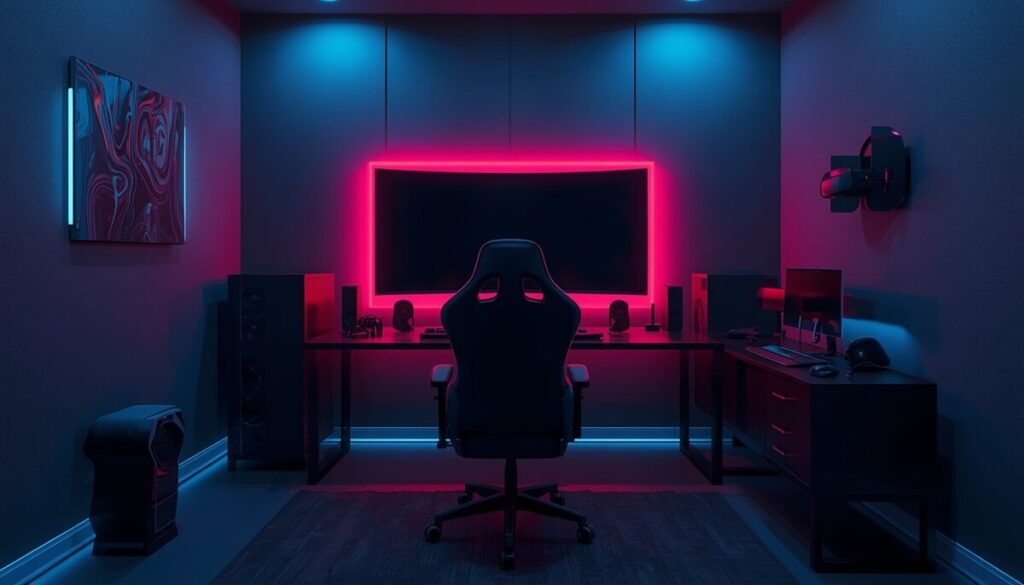
Put the desk against the longest uninterrupted wall, with no window directly behind the monitors (glare and backlight silhouette) and no window directly behind you either (screen reflections). Side light from a window is the comfortable arrangement. Keep at least 75 cm of clearance behind the chair to push back and stand up without hitting anything.
3. Hide the Cables Properly
Cable control is half of gaming decor. The full method: a cable tray or basket screwed under the desk (about $15) holding the power strip up off the floor, split-loom tubing or a sleeve bundling the runs from PC to monitors, and velcro ties every 30 cm on anything that hangs. Route monitor cables with enough slack for the screen to tilt. When the only visible cable is one drop from tray to wall socket, the whole room looks twice as expensive.
Lighting: Where Gaming Rooms Are Won or Lost
4. Bias Lighting Behind the Monitors
An LED strip on the back of each monitor, shining onto the wall, is the single highest-impact gaming decor move: it makes the screen look bigger, reduces eye strain in a dark room, and gives the soft glow every good setup photo has. Use a neutral white around 6500K for accurate bias light, or RGB if the room’s theme matters more than color accuracy. Our led room decor ideas guide covers strip types and placement for the rest of the room.
5. Layer the Rest of the Light
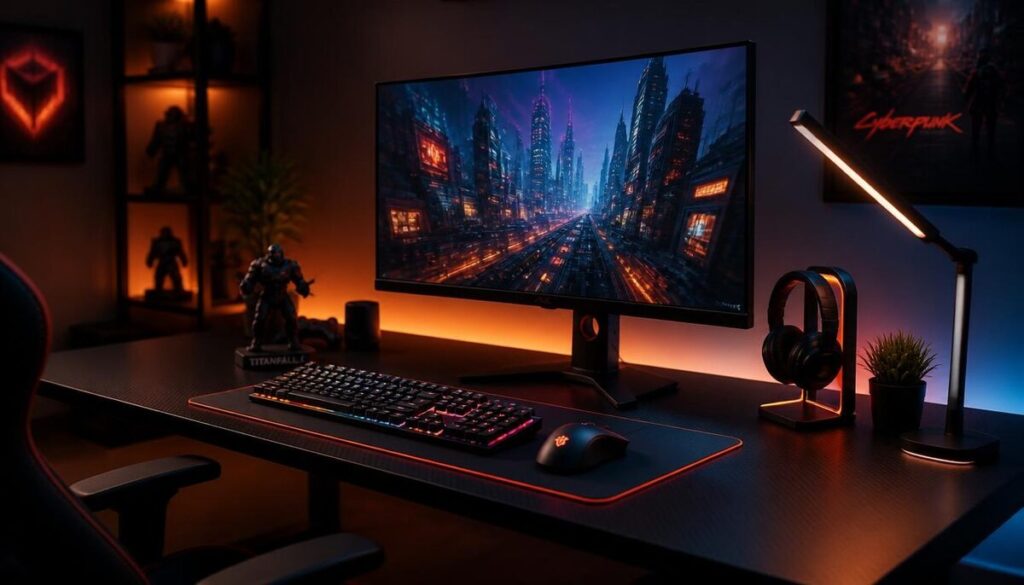
One ceiling light plus RGB strips looks flat. Aim for three layers: bias light at the desk, one warm ambient source (a floor or desk lamp at 2700 to 3000K) for general use, and one accent (a shelf strip, a neon-style sign, light panels on the wall behind or beside the setup). Keep accent light off the wall you face while playing if you play in the dark; reflections in your peripheral vision get tiring.
6. Light Panels and Signs: One Feature, Not Five
Hexagon or triangle light panels work best as a single cluster of 7 to 12 panels in one shape above or beside the desk. A neon-style LED sign works as the alternative feature. Both at once, plus strips on every shelf edge, is the point where a room tips from designed to arcade. Pick one hero.
Sound and Walls
7. Acoustic Panels That Also Decorate
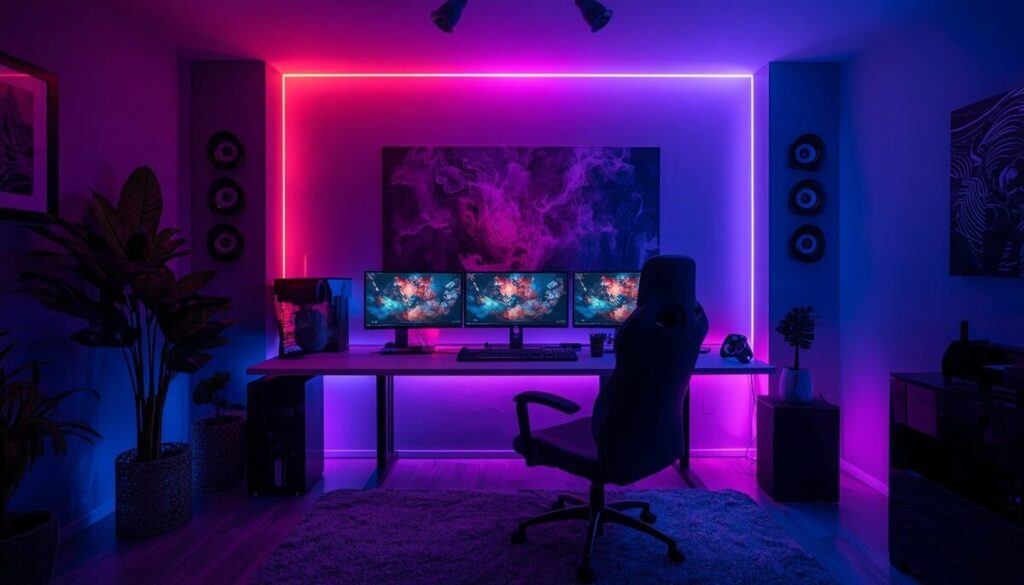
Fabric-wrapped or felt acoustic panels on the wall behind the monitors and the first reflection points on side walls tame echo for voice chat and streaming, and they read as intentional wall decor when arranged in a grid or column pattern. Covering roughly 15 to 25 percent of the wall area is enough for a small room; a full wall of foam wedges is a studio look most rooms do not need, and cheap foam does little for sound anyway.
8. Posters, Framed Properly
Game art looks grown-up in frames and cheap as bare paper. Standard poster frames at 50 by 70 cm or 61 by 91 cm cost little, and one consistent frame color (black or white) across three to five pieces makes a gallery wall out of mixed art. Hang the group so its center sits at about 145 cm from the floor, with 5 to 8 cm gaps.

9. Display Shelving for Collectibles
Figures and collector’s editions deserve one dedicated display: wall shelves 25 to 30 cm deep, or a glass-door cabinet if dust is the enemy. Group by game or color, leave a third of each shelf empty, and add a small strip light under the shelf above for the display-case glow. Crowded shelves read as storage; spaced shelves read as a collection.
Comfort and the Room Around the Setup
10. The Chair Zone
The chair is the biggest object in the room, so its color sets the palette: match its accent color to one other element (the light panels, the cushions, one poster) and the room looks coordinated. A small rug under the chair zone (at least 120 by 180 cm so the casters stay on it) defines the gaming area, protects the floor, and noticeably softens room echo.
11. Console and Media Corner
For console gaming, the TV wall follows living-room rules: screen center at seated eye level (about 105 to 120 cm from the floor for a sofa), a low media unit with closed storage for controllers and cables, and bias lighting behind the TV if you play in the dark. Keep consoles ventilated: 10 cm of clearance at the vents, never sealed inside a closed cabinet while running.
12. Plants and Soft Touches
One or two hardy plants (a snake plant or pothos on a shelf, out of cable reach) stop a gaming room feeling like a server closet. A cushion and a throw in the palette make a gaming chair or reading corner look deliberate. Keep soft furnishings a sensible distance from a PC tower’s exhaust.
Small Rooms and Shared Rooms
13. Zone It, Do Not Spread It
In a bedroom or shared space (our dorm room decor guide covers the student version in depth), keep the entire gaming footprint in one zone: desk, chair rug and one shelf. A room divider, curtain or the back of a bookshelf separating the zone lets the rest of the room stay calm, and the setup looks intentional rather than spilled. Wall-mounting the monitors frees the full desk depth, which matters more in a small room than any decor piece.
Budget Tiers
- Under $50: cable tray and ties, one bias-light strip, frames for art you already own, a tidy-up of every surface. This tier changes the room the most per dollar.
- Around $200: add light panels or a sign, one display shelf with a strip light, a chair rug and matching cushion.
- Around $500: add acoustic panels, a glass display cabinet, a desk upgrade to the right size, and a second ambient lamp. At this tier the room is finished; more spending is gear, not decor.
Common Mistakes
- RGB on everything. When every object glows a different color, nothing stands out and the room looks smaller. One or two light colors, repeated, is the pro look.
- Blocking the PC’s airflow with decor. Towers need their vents clear; a plant or plush on the exhaust is a slow hardware failure.
- A desk too small for the monitors. Screens 40 cm from your face make any room feel cramped, whatever hangs on the walls.
- Bare posters and bare cables. Frames and a $15 tray are the cheapest possible upgrade and the two things every viewer notices first.
- Seating with no support for long sessions. A stylish chair you cannot sit in for two hours is furniture, not a setup.
Final Thoughts
Gaming decor is mostly discipline: a desk the right size, cables in a tray, bias light behind the screens, one lighting feature, and collections displayed with space around them. Do those five things and any room, at almost any budget, looks like the setups people save photos of.
Frequently Asked Questions
How do I decorate a gaming room on a small budget?
Start with the free and cheap fixes: a full cable tidy with a $15 under-desk tray and velcro ties, bias lighting strips behind the monitors, and frames for the posters you already own. Those three moves cost under $50 combined and change the room more than any single expensive piece.
What size desk do I need for a gaming setup?
At least 120 cm wide and 60 cm deep for one monitor; 140 to 160 cm wide and 70 to 80 cm deep for dual monitors or an ultrawide, so screens sit 60 to 80 cm from your eyes. In small rooms, a corner desk gives you the depth where the room can spare it.
What lighting is best for a gaming room?
Three layers: bias light behind the monitors (6500K white or RGB), one warm ambient lamp (2700 to 3000K), and one accent feature such as light panels or a sign. Avoid lighting every surface; contrast is what makes gaming lighting look designed.
How do I display gaming collectibles without clutter?
Use one dedicated shelf run or glass cabinet, group figures by game or color, leave about a third of each shelf empty, and light the display with a strip under the shelf above. Spacing is what separates a collection from storage.
Do acoustic panels actually help in a gaming room?
Yes, for echo. Fabric or felt panels on the wall behind the monitors and at side reflection points noticeably clean up voice chat and streaming audio, and covering 15 to 25 percent of the wall area is enough in a small room. Thin foam tiles do very little; choose proper fabric-wrapped or felt panels.

Hi, I’m Ashir Zahid! I’m a home décor writer and creative enthusiast who loves finding simple and beautiful ways to make everyday spaces feel more comfortable and inviting. I enjoy exploring home styling ideas, practical decorating tips, and timeless trends that can work in real homes without making things feel complicated.
At DailyHomeVibe, I share easy-to-follow ideas for decorating different rooms, choosing the right colors and textures, and giving your home a fresh look with thoughtful details. My goal is to help readers find inspiration they can actually use, whether they are refreshing one small corner or giving their whole home a new feel.